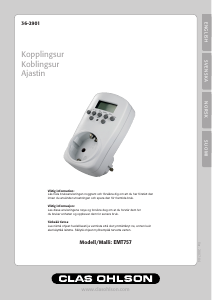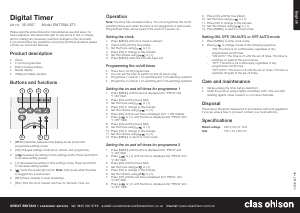
Käyttöohje Clas Ohlson AX300 Aikakytkin

Tarvitsetko käyttöoppaan Clas Ohlson AX300 Aikakytkin? Alta voit katsoa ja ladata suomenkielisen PDF-oppaan ilmaiseksi. Tällä tuotteella on tällä hetkellä 1 usein kysytty kysymys, 3 kommenttia ja 38 ääniä, joiden keskimääräinen tuotearvio on 61/100. Jos tämä ei ole haluamasi käyttöopas, ota meihin yhteyttä.

Onko tuotteessa vika, eikä käyttöoppaasta ole apua? Siirry Repair Café ‑alueelle etsimään ilmaisia korjauspalveluita.

Käyttöohje

Loading…
English
GREAT BRITAIN customer service
tel: 08545 300 9799 e-mail: [email protected] internet: www.clasohlson.com/uk
Ver. 20131209
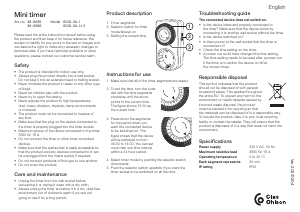
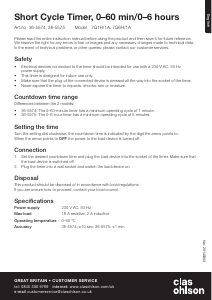
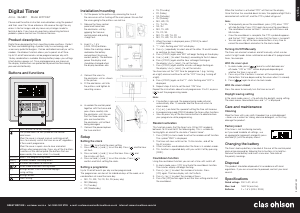
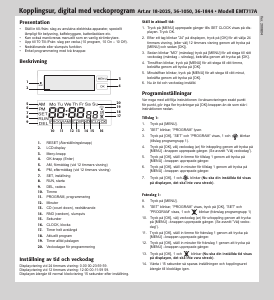
Timer Switch
Art.no 32-8618 Model AX300
Please read theentire instruction manual before use and save
it for future reference. We reserve theright for any errors in text
or images and for making any necessary technical changes to
this document. If you should have any questions concerning
technical problems please contact our Customer Services.
Description
• Ideal for extra security, energy saving and convenience.
• Programmable for 20 ON/OFF settings.
• Timer with countdown.
• 3 RANDOM functions.
• 12/24 hour clock.
• Max. load 16 A, 3680 W.
• The time switch is only intended for indoor use in dry areas.
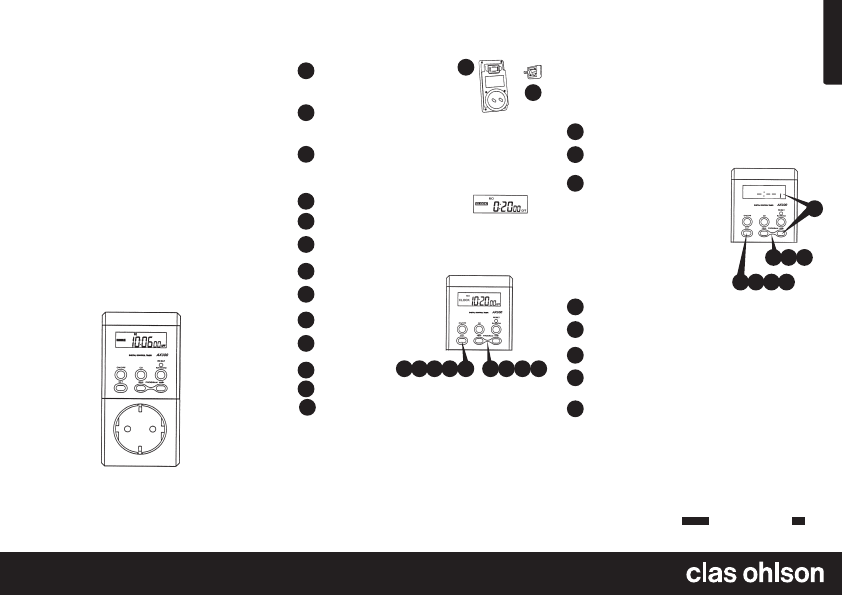
AX300 Timer Switch
Batteries
Remove thebattery cover on
theback. (Pry open carefully at
thedepressions).
Insert thetwo button cell batteries
LR44, supplied, between thecontacts
according to themarkings.
1
1
2
2
3
Setting theclock
1
2
3
4
5
6
7
8
9
10
Go to Clock, using thearrows [ ← → ].
Push [ SET ].
Set theday using thearrows [ ← → ]
(Mo,Tu, We, Th, Fr, Sa, Su) (Monday – Sunday).
Push [ SET ].
Set thehour using
the arrows [ ← → ].
Push [ SET ].
Sets theminutes
using thearrows[ ← → ].
Push [ SET ].
Set theseconds using thearrows [ ← → ].
Push [ SET ].
3
5 7 964
2
8
10
Programming thetimer
You can programme up to 20 on/off operations. The following
example shows how this is done:
Setting programme 1
It will switch on at 08:15 hrs Monday and switch off at 15:45 hrs
on Monday: MO 8:15 ON / MO 15:45 OFF.
Push thearrows [← → ] until thedisplay shows “PROG 1 ON”.
Push [ SET ]. The display will now show “SET” and theday
of theweek will flash.
Push thearrows [← → ] to choose
theday/s to activate PROG 1.
The days will appear one at atime,
in order MO to SU (Monday to
Sunday), then all days MO – FR
(from Monday to Friday), then all
days MO - SA (Monday – Saturday),
then theweekend (Saturday –
Sunday) and finally all week, MO –
SU (Monday to Sunday). The day in
theexample is Monday (MO).
1
2
3
5
4
6
7
8
3
5 7
1
2
4 6 8
Push SET when thedisplay shows “MO”.
The hours will now start to flash. Adjust thehour using
thearrows [← → ] until you get thehour 8.
Push [ SET ].
The minutes will now start to flash. Adjust them to 15
using thearrows [← → ].
Push SET to exit thesetup of PROGRAM 1 ON. Push
thearrows [← → ] until thedisplay shows “PROG 1 OFF”.
Set theday and thetime in thesame way.
• Push [ RANDOM ] whilst in thetime setup mode to change
between 12/24 hour display.
• Push both arrows at thesame time for 3 seconds in
theCLOCK mode to change to summer time. The hour
setting will advance anhour and thesun symbol lights up on
thedisplay. Push both arrows at thesame time for 3 seconds
in theCLOCK mode to return to normal time.
• If you want to programme several programmes, push
thearrows [← → ] until thedisplay shows “PROG 2 ON”.
You can set thedesired number of programmes in
thesame way.
• If no button is pushed for one minute, thetimer switch will
return to clock display mode.
• The programmes are organised in acycle with theclock
and countdown functions
CLOCK
Program 1-20
CD
count down funktion.
Replace thecover (make sure that thelong battery
contacts are inside thebattery compartment).
Disposal
Follow local ordinances when disposing of this product.
If you are unsure about how to dispose of this product
contact your municipality.
Lataa käyttöohje suomalainen (PDF, 0.29 MB)
(Mieti ympäristöä ja tulosta tämä käyttöopas vain, jos se on todella tarpeen)

Loading…

Arviointi

Kerro meille mielipiteesi Clas Ohlson AX300 Aikakytkin arvioimalla tuote. Haluatko jakaa tuotekokemuksesi tai kysyä kysymyksen? Jätä kommentti sivun alalaidassa.
Oletko tyytyväinen kohteeseen Clas Ohlson AX300 Aikakytkin?
Kyllä Ei
61%
39%
38 äänet

Keskustele tuotteesta

Täällä voit jakaa mielipiteesi Clas Ohlson AX300 Aikakytkin:sta. Jos sinulla on kysyttävää, lue ensin huolellisesti käyttöohje. Käsikirjaa voi pyytää yhteydenottolomakkeellamme.

Kent Hallberg 29-11-2019
On 9 kpl on yhdistetty usean vuoden ajan. Pitäisi ostaa 2 kpl ja vaihtaa muutama kun kello tikittää vähän

vastaa | Tästä oli apual (7) (Googlen kääntämä)
Kent den kuriøse 13-11-2022
Kestääkö tämä ajastin jäätymislämpötiloja? Muista, että sitä ei ole tarkoitettu ulkokäyttöön. Mutta se oli tarkoitettu varastoitavaksi aitaksi, eikä talvella ole lämmitystä, joten kylmimpinä päivinä voi olla -10 tai enemmän...

vastaa | Tästä oli apual (0) (Googlen kääntämä)
Matti Meikäläinen 02-12-2025
Tässä käyttöohjeessa on niin paljon pdf-mainoksia ettei noista ohjeista tahdo saada mitään tolkkua. Tällaisessata ohjeesta ei ole mitään hyötyä POISTAKAA TURHAT MAINOKSET !!!!!!!!!!!!!!!!!!!!!!!!!!!!!!!!!

vastaa | Tästä oli apual (0)

Lisää tästä ohjekirjasta

Ymmärrämme, että on mukavaa, että sinulla on paperikäyttöinen käyttöopas laitteellesi Clas Ohlson AX300 Aikakytkin. Voit aina ladata oppaan verkkosivuiltamme ja tulostaa sen itse. Jos haluat alkuperäisen käyttöoppaan, suosittelemme ottamaan yhteyttä osoitteeseen Clas Ohlson. He saattavat pystyä toimittamaan alkuperäisen ohjekirjan. Etsitkö laitteen Clas Ohlson AX300 Aikakytkin käyttöopasta toisella kielellä? Valitse haluamasi kieli kotisivuiltamme ja etsi mallinumero nähdäksesi, onko sitä saatavilla.

Tekniset tiedot

Tuotemerkki Clas Ohlson
Malli AX300
Kategoria Aikakytkimet
Tiedostotyyppi PDF
Tiedoston koko 0.29 MB

Kaikki käsikirjat kohteelle Clas Ohlson Aikakytkimet
Lisää Aikakytkimet käsikirjoja

Usein kysytyt kysymykset kohteesta Clas Ohlson AX300 Aikakytkin

Tukitiimimme etsii hyödyllisiä tuotetietoja ja vastaa yleisiin kysymyksiin. Jos huomaat yleisissä kysymyksissä virheen, kerro siitä meille yhteydenottolomakkeella.

Aikakytkin tuottaa pehmeää kolinaa, onko se normaalia? Todennettu

Mekaanisissa aikakytkimissä on sisäinen mekanismi, joka voi tuottaa pehmeää kolinaa. Nämä aikakytkimet voivat myös tuottaa selkeän napsautuksen päälle ja pois päältä kytkettäessä.

Tästä oli apual (705) Lue lisää
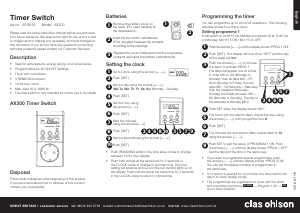
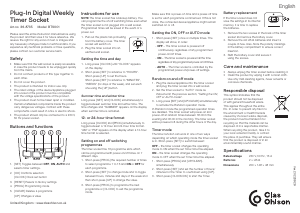
Käyttöohje Clas Ohlson AX300 Aikakytkin

Liittyvät tuotteet

Aiheeseen liittyvät luokat

×
Download