
Käyttöohje Trust 18002 Piirtopöytä

Tarvitsetko käyttöoppaan Trust 18002 Piirtopöytä? Alta voit katsoa ja ladata suomenkielisen PDF-oppaan ilmaiseksi. Tällä tuotteella on tällä hetkellä 0 usein kysyttyä kysymystä, 0 kommenttia ja 0 ääntä. Jos tämä ei ole haluamasi käyttöopas, ota meihin yhteyttä.

Onko tuotteessa vika, eikä käyttöoppaasta ole apua? Siirry Repair Café ‑alueelle etsimään ilmaisia korjauspalveluita.

Käyttöohje

Loading…
Fresco Widescreen Tablet – User’s Manual
4
Navigate (Navigate)
Clicking:
Y
ou can use the pen to click, by simply tapping the tablet’s surface.
Double clicking:
Y
ou can use the pen to double-click, by simply tapping the tablet’s surface twice.
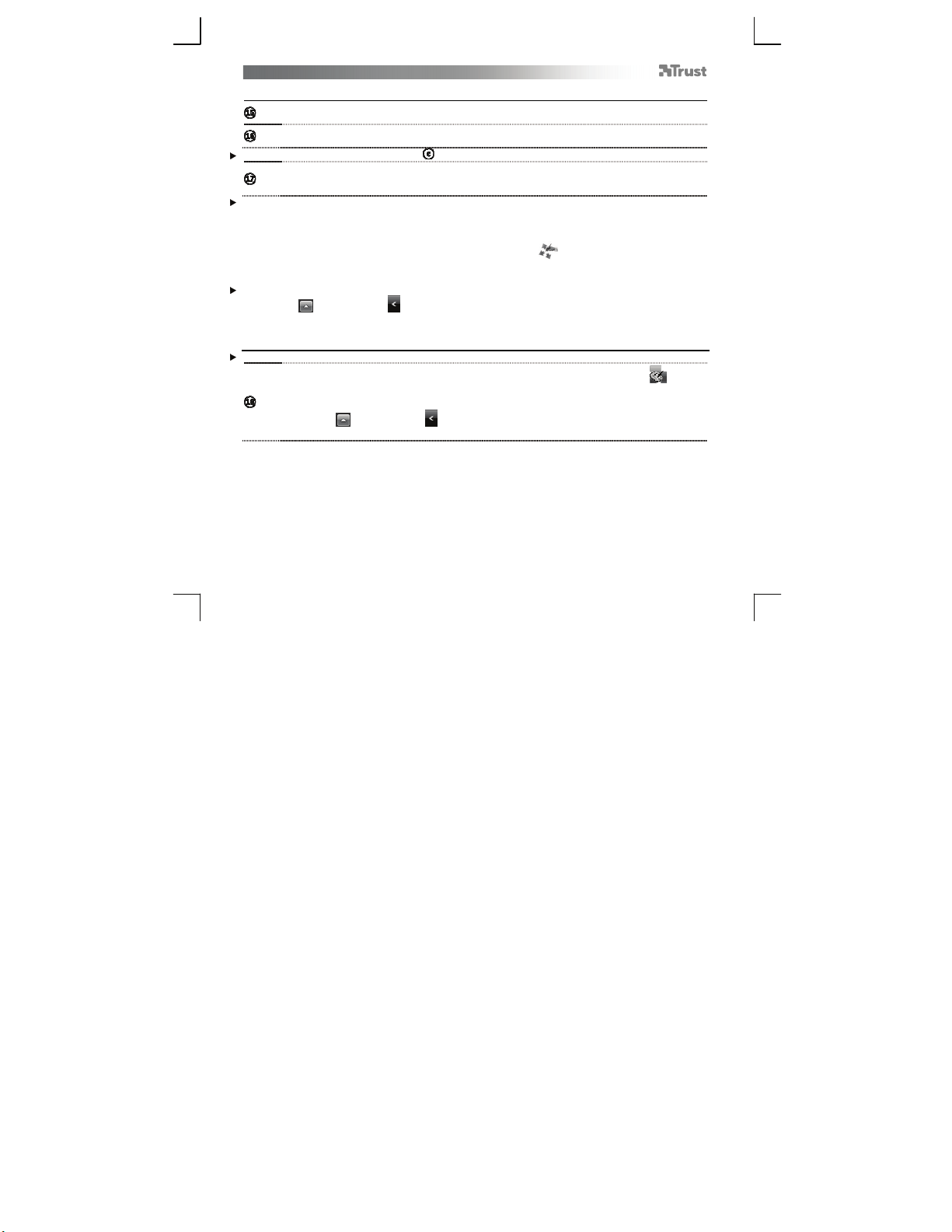
Double click: By default, the upper button ( ) of the pen is configured to act as a double-click
Dragging:
T
o drag and drop an object, you need to select it (touch the tablet’s surface), move it (move the pen
across the tablet’s surface), and release it (lift the pen from the surface).
Pen Flicks:
Pen Flicks are a feature of Windows Vista and Windows 7 that associates the movement of your pen with
actions. For example, performing a pen flick downward produces the same result as pressing the PAGE UP key
on your keyboard.
To activate and start using Pen Flicks, double click the Pen Flicks icon ( ) in your System Tray (next to your
computer’s clock) and follow the animated tutorial to learn how to use Pen Flicks.
If the Pen Flicks icon is not visible, click the “Show hidden icons” button first.
(Windows 7: / Windows Vista: )
Advanced configuration (Advanced configuration)
The illustrations for the following instructions are located at the end of this manual
T
o access the tablet’s configuration utilities, click on the Trust icon in your System Tray ( next to
your computer’s clock)
If the Pen Flicks icon is not visible, click the “Show hidden icons” button first.
(Windows 7: / Windows Vista: )
With the driver installed, the Trust tray utility will load automatically when you connect the tablet to your
computer.
Lataa käyttöohje suomalainen (PDF, 6.91 MB)
(Mieti ympäristöä ja tulosta tämä käyttöopas vain, jos se on todella tarpeen)

Loading…

Arviointi

Kerro meille mielipiteesi Trust 18002 Piirtopöytä arvioimalla tuote. Haluatko jakaa tuotekokemuksesi tai kysyä kysymyksen? Jätä kommentti sivun alalaidassa.
Oletko tyytyväinen kohteeseen Trust 18002 Piirtopöytä?
Kyllä Ei
Arvostele tuote ensimmäisenä
0 äänet

Keskustele tuotteesta

Täällä voit jakaa mielipiteesi Trust 18002 Piirtopöytä:sta. Jos sinulla on kysyttävää, lue ensin huolellisesti käyttöohje. Käsikirjaa voi pyytää yhteydenottolomakkeellamme.

Lisää tästä ohjekirjasta

Ymmärrämme, että on mukavaa, että sinulla on paperikäyttöinen käyttöopas laitteellesi Trust 18002 Piirtopöytä. Voit aina ladata oppaan verkkosivuiltamme ja tulostaa sen itse. Jos haluat alkuperäisen käyttöoppaan, suosittelemme ottamaan yhteyttä osoitteeseen Trust. He saattavat pystyä toimittamaan alkuperäisen ohjekirjan. Etsitkö laitteen Trust 18002 Piirtopöytä käyttöopasta toisella kielellä? Valitse haluamasi kieli kotisivuiltamme ja etsi mallinumero nähdäksesi, onko sitä saatavilla.

Tekniset tiedot

Tuotemerkki Trust
Malli 18002
Kategoria Piirtopöydät
Tiedostotyyppi PDF
Tiedoston koko 6.91 MB

Kaikki käsikirjat kohteelle Trust Piirtopöydät
Lisää Piirtopöydät käsikirjoja
Käyttöohje Trust 18002 Piirtopöytä
×
Download