
Käyttöohje Trust 17939 eBrush Piirtopöytä

Tarvitsetko käyttöoppaan Trust 17939 eBrush Piirtopöytä? Alta voit katsoa ja ladata suomenkielisen PDF-oppaan ilmaiseksi. Tällä tuotteella on tällä hetkellä 0 usein kysyttyä kysymystä, 0 kommenttia ja 0 ääntä. Jos tämä ei ole haluamasi käyttöopas, ota meihin yhteyttä.

Onko tuotteessa vika, eikä käyttöoppaasta ole apua? Siirry Repair Café ‑alueelle etsimään ilmaisia korjauspalveluita.

Käyttöohje

Loading…
Tablet – User’s Manual
2
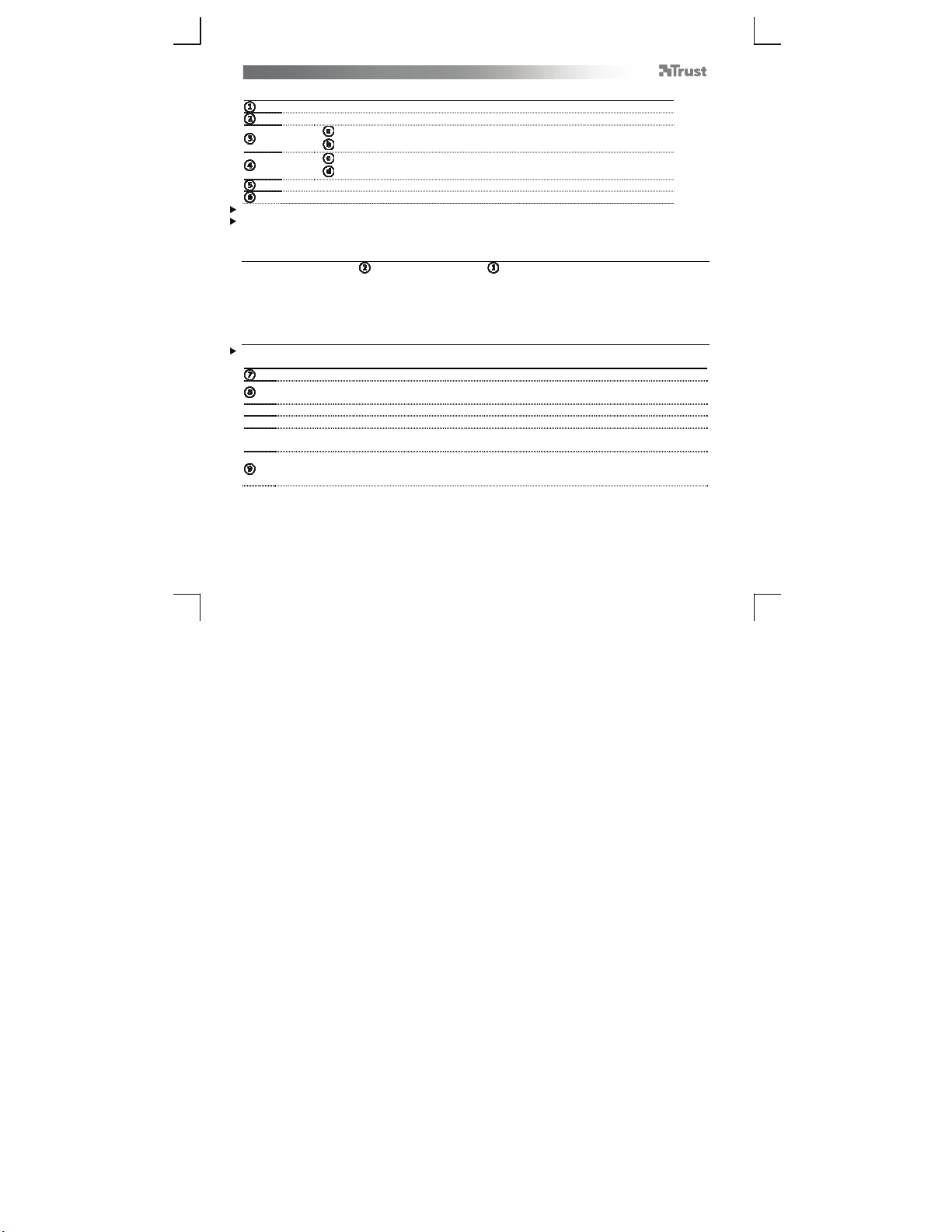
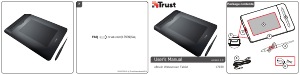
Package contents (Package contents)
USB Connections
USB Connection Selector
T
ablet:
Working area
Pen holder
Pen:
Upper pen button
Lower pen button
USB Cable
Pen-tip removal tool and 2x Spare pen-tips
Cleaning: Clean the tablet with a dry cloth. Do not use or spill water on the tablet, or its pen.
Storage: Store the pen so that it does not rest on its tip, preferably in its holder. Do not store the pen on the
tablet.
USB Connection Selector
Thanks to its USB Selector ( ) and two USB connections ( ), the Aeroo tablet is designed for right-handed
users as well as left-handed users.
Prior to connecting it to your computer, once software installation is complete, use the USB Selector, on the
tablet’s side, to select the USB connection that suits you the best.
Only one of the two USB connections can be accessed at a time.
Install tablet (Install tablet)
It might be necessary to restart your computer at the end of the driver’s installation. It is therefore preferable
that you save and close all opened documents and applications before starting the installation.
Insert the Trust CD-ROM into your CD drive.
Click “Run Setup.exe – Published by Trust International BV”
Click “Install driver”
Trust Tablet driver installation: To continue, Click “OK”
Trust Tablet driver was successfully installed: Click “OK”
ou must restart your computer: Click “Restart now” to restart your computer. (If you have
unsaved documents and files, select “Restart later” to restart your computer later)
Once your computer has restarted, the tablet can be connected to a USB port.
After the driver has been successfully installed (this may take some time), and the message “USB input
device ready to use” appears, the tablet can be used.
Lataa käyttöohje suomalainen (PDF, 5.09 MB)
(Mieti ympäristöä ja tulosta tämä käyttöopas vain, jos se on todella tarpeen)

Loading…

Arviointi

Kerro meille mielipiteesi Trust 17939 eBrush Piirtopöytä arvioimalla tuote. Haluatko jakaa tuotekokemuksesi tai kysyä kysymyksen? Jätä kommentti sivun alalaidassa.
Oletko tyytyväinen kohteeseen Trust 17939 eBrush Piirtopöytä?
Kyllä Ei
Arvostele tuote ensimmäisenä
0 äänet

Keskustele tuotteesta

Täällä voit jakaa mielipiteesi Trust 17939 eBrush Piirtopöytä:sta. Jos sinulla on kysyttävää, lue ensin huolellisesti käyttöohje. Käsikirjaa voi pyytää yhteydenottolomakkeellamme.

Lisää tästä ohjekirjasta

Ymmärrämme, että on mukavaa, että sinulla on paperikäyttöinen käyttöopas laitteellesi Trust 17939 eBrush Piirtopöytä. Voit aina ladata oppaan verkkosivuiltamme ja tulostaa sen itse. Jos haluat alkuperäisen käyttöoppaan, suosittelemme ottamaan yhteyttä osoitteeseen Trust. He saattavat pystyä toimittamaan alkuperäisen ohjekirjan. Etsitkö laitteen Trust 17939 eBrush Piirtopöytä käyttöopasta toisella kielellä? Valitse haluamasi kieli kotisivuiltamme ja etsi mallinumero nähdäksesi, onko sitä saatavilla.

Tekniset tiedot

Tuotemerkki Trust
Malli 17939 eBrush
Kategoria Piirtopöydät
Tiedostotyyppi PDF
Tiedoston koko 5.09 MB

Kaikki käsikirjat kohteelle Trust Piirtopöydät
Lisää Piirtopöydät käsikirjoja
Käyttöohje Trust 17939 eBrush Piirtopöytä
×
Download